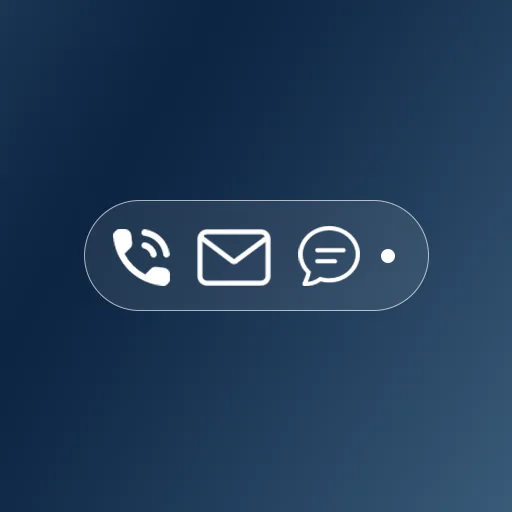
Glanceable Notifications at Your Fingertips
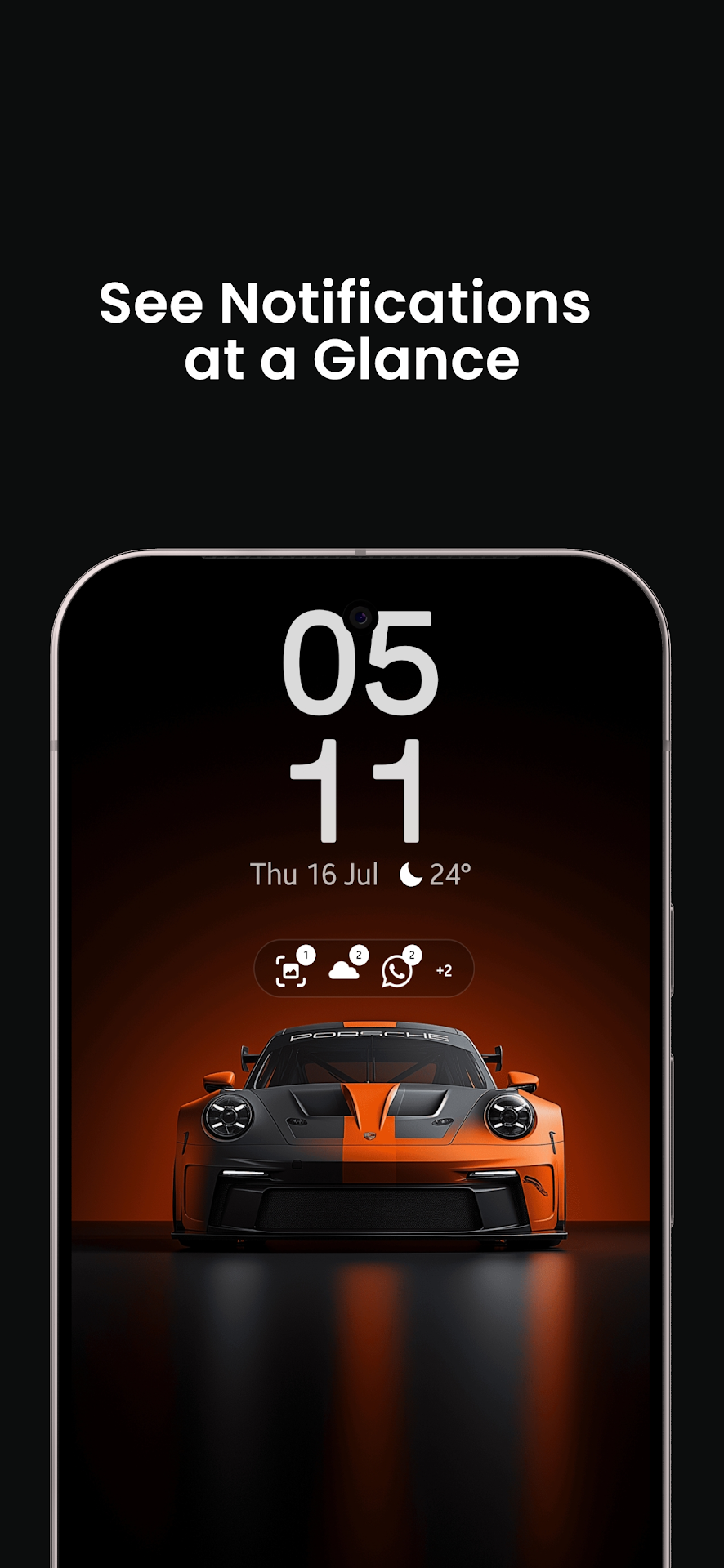
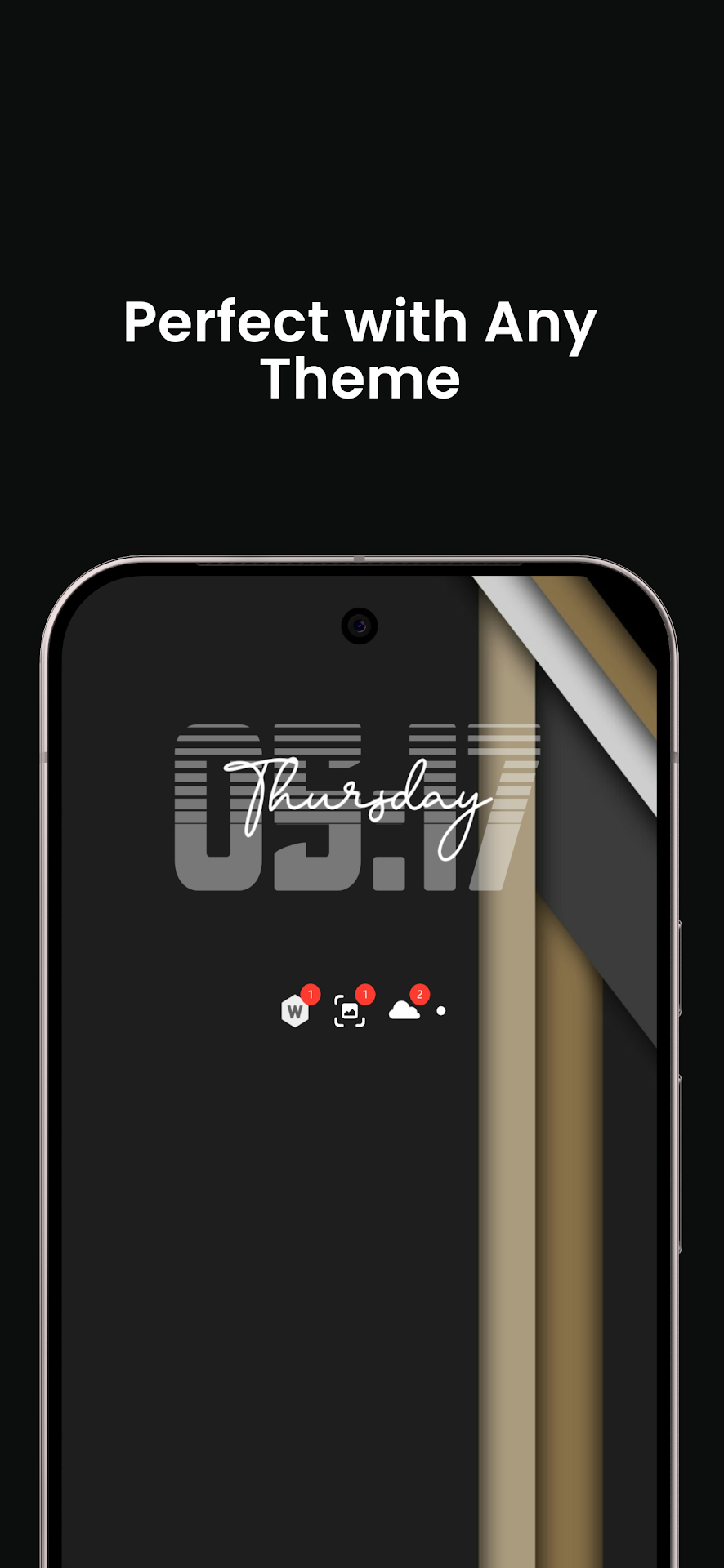
GlanceBar replaces intrusive notification popups and bulky widgets with ultra-compact, interactive capsule badges. Stay informed of pending messages and alerts without unlocking or pulling down your status bar.
Interactive Capsule Badges
Tap any app icon on the widget to jump straight into the corresponding conversation or application with zero lag.
Horizontal & Vertical Orientations
Place a sleek horizontal status bar under your search widget or stack notifications in a vertical pillar beside your app grid.
Shape Clipping (Circle, Squircle, Flower)
Clip icons to match your launcher design language with custom shapes including Circle, Squircle, Flower, and Rounded Rectangles.
Third-Party Icon Pack Support
Seamlessly load and apply icons from installed launcher icon packs (such as LineX, Delta, OneUI, Pixel) to notification badges.
App Priority Pinning
Pin critical apps (WhatsApp, Work Slack, Phone) to always display at the front of the widget line regardless of incoming notification time.
Granular App Exclusions
Filter out persistent background app notifications (such as pedometers, VPN status, download managers) from cluttering your widget.
Screenshots
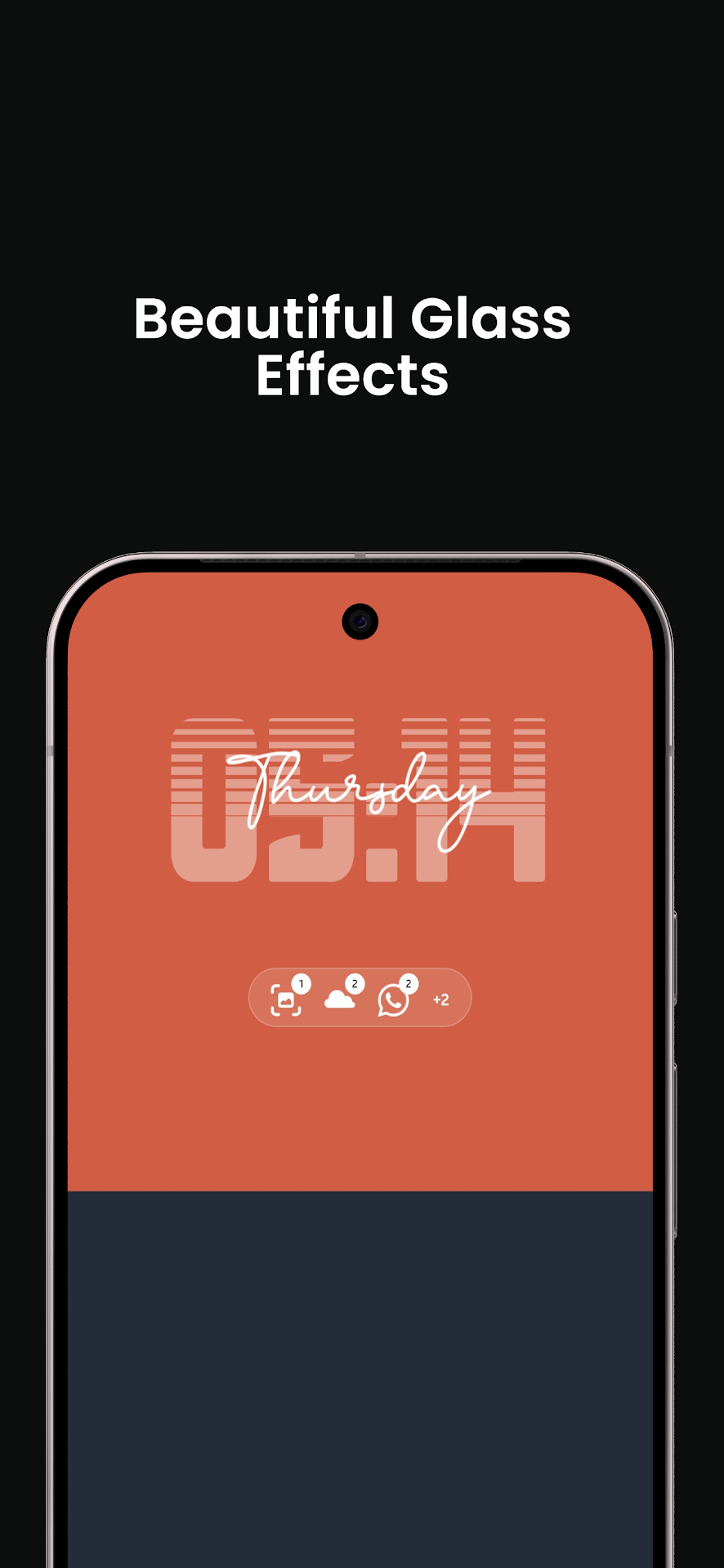
Discover GlanceBar — dynamic capsule widgets, custom icon clipping, and home screen personalization.
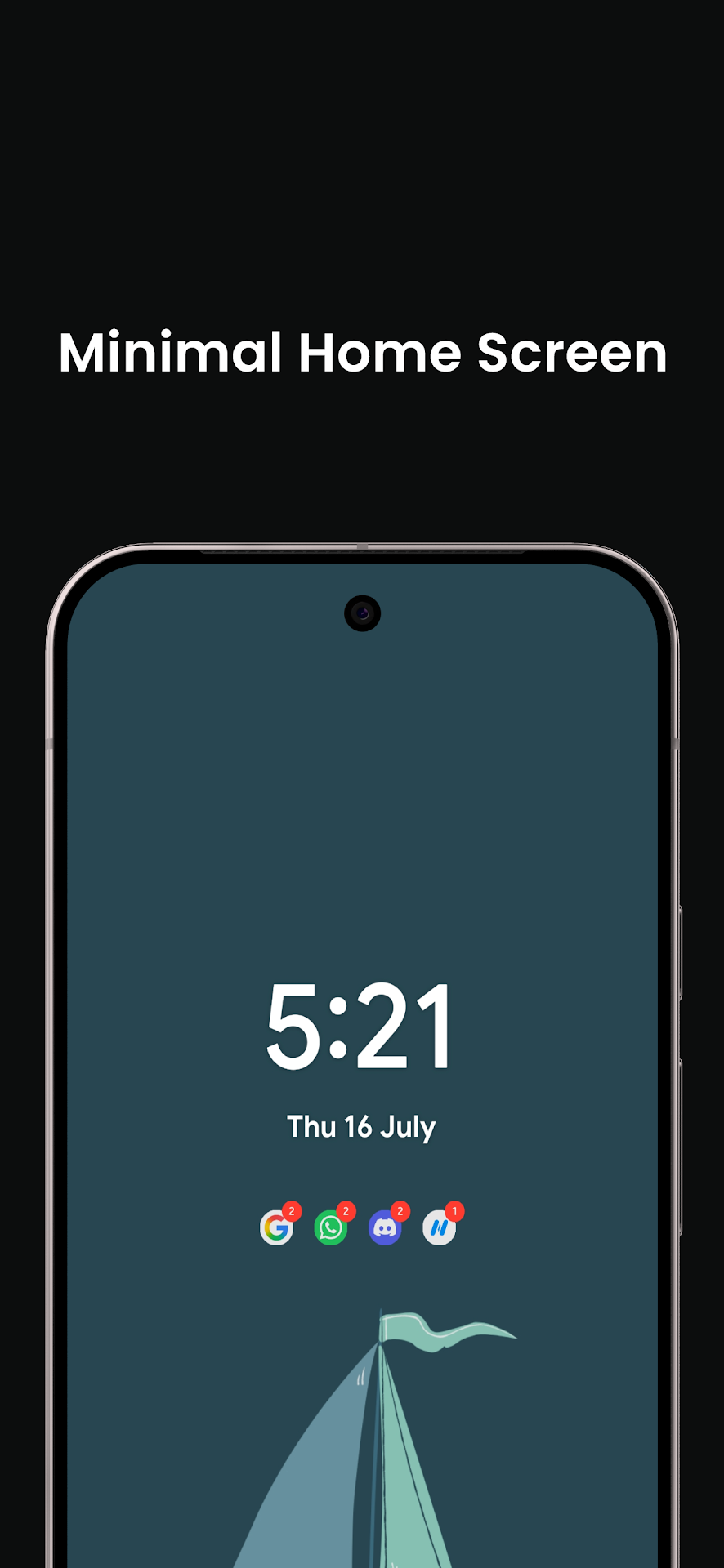
Comprehensive Widget Customization Suite
Every pixel of the GlanceBar widget container is fully customizable.
Horizontal & Vertical Rows
Switch between horizontal ribbon rows and vertical columns with left, center, or right content alignment.
Scale (50% – 150%) & Spacing
Fine-tune icon dimensions and adjust inter-icon spacing gaps from 0 to 10 dp to align with any launcher grid size.
Zero-Notification Handling
Choose what displays when all notifications are dismissed: a minimal capsule pill, blank space, clean status text, or an idle icon.
4 Distinct Unread Badge Styles
Choose the counter badge style that fits your aesthetic.
Solid Color Badge
Vibrant filled badges with high-contrast numerical count typography. Supports automatic accent matching or custom HEX colors.
Cutout Badge
Clean numerical cutout silhouette that blends seamlessly into the widget surface for a subtle, integrated appearance.
Ring Outline Badge
Minimalist circular border ring with hollow center, giving your home screen an airy, unobtrusive aesthetic.
Glassmorphic Translucent
Frosted glass backdrop with blurred translucent borders for a futuristic, modern Material 3 feel.
Android Permissions & Privacy Guarantees
GlanceBar operates with strict local privacy. No message contents or notification texts are ever logged or sent online.
Notification Listener Service
android.permission.BIND_NOTIFICATION_LISTENER_SERVICEWhy it is needed: Required strictly to detect active status bar notifications, extract their package icons, and count unread badges for display on the home screen widget.
Zero Notification Content Reading: No sender names, message text, or notification body data is ever inspected, stored, or transmitted.
Technical Specifications
Engineered for minimal memory footprint and zero background battery drain.
Loved by Customization Enthusiasts
Discover how GlanceBar elevates home screen aesthetics with clean capsule notification badges and icon pack integration.
Frequently Asked Questions
Common questions about GlanceBar and its widget functionality.
Never. GlanceBar only inspects the app package identifier (e.g. com.whatsapp) to fetch its icon and the numerical count integer. It does not parse or store message titles, body text, or contact names.
GlanceBar works on all Android launchers that support standard Android AppWidgets, including Nova Launcher, Niagara Launcher, Lawnchair, Samsung One UI Launcher, Pixel Launcher, and Microsoft Launcher.