
Supercharge Your Android Typing Experience
Texpander eliminates repetitive typing by expanding short abbreviations into rich snippets across every app. More than just a text expander, it integrates intelligent inline tools directly into your active keyboard input field—without switching apps.
Instant Snippet Expansion
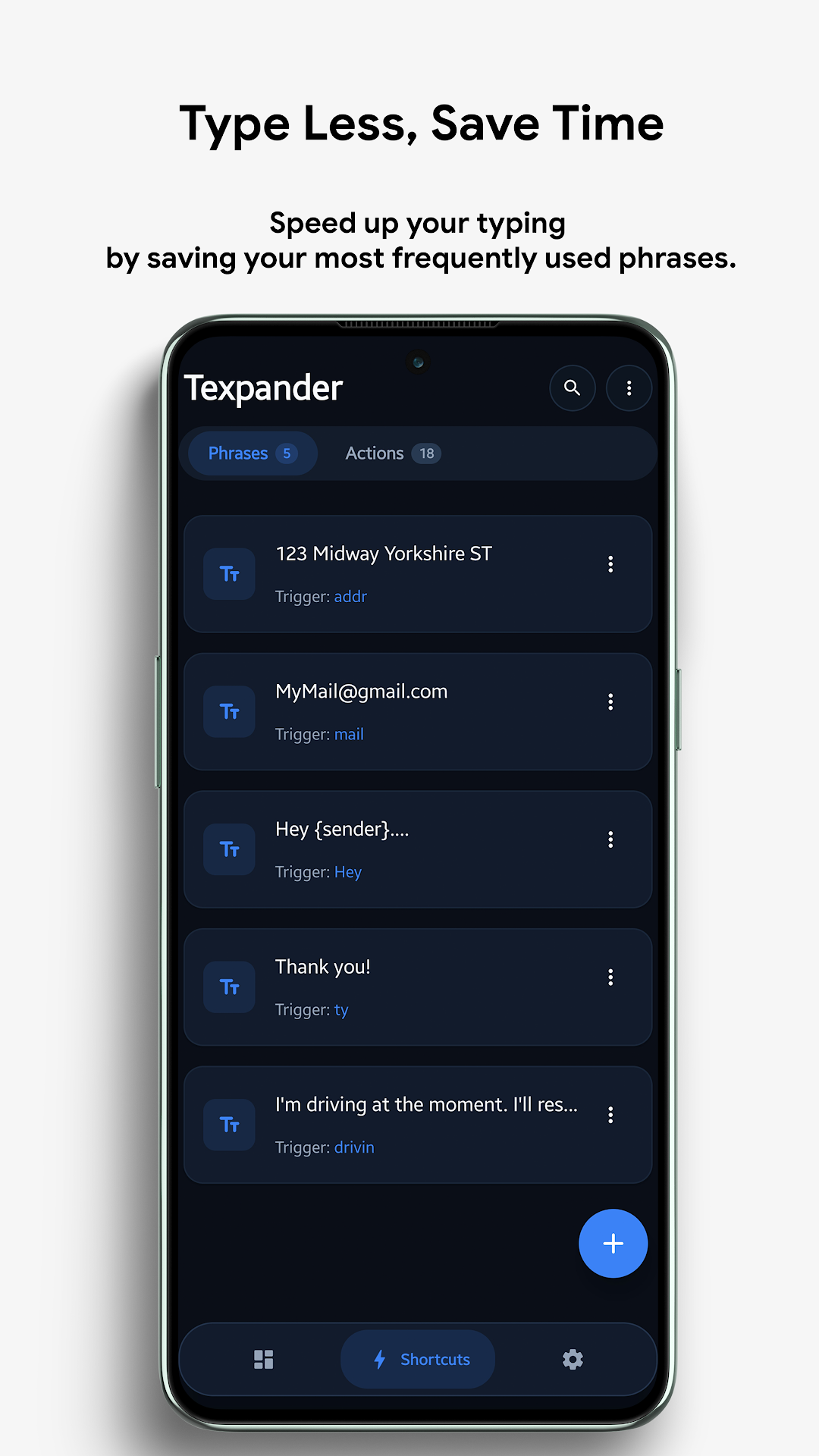
Type custom abbreviations like /addr, @@, or ,,sig to instantly paste formatted emails, physical addresses, canned responses, and multi-paragraph templates.
Inline AI Assistant & Rephraser
Consult Google's Gemini AI directly in any text field. Ask questions, generate responses, or rewrite your text in 4 distinct tones: Professional, Casual, Creative, or Bullet points.
Inline Math & Converters
Type mathematical expressions ending with =, live currency exchanges (100 usd = eur), and physical unit conversions (50 kg = lb) right inside your chat.
Instant Translation
Translate text on the fly by appending or prefixing language codes (e.g., .es Hello how are you? or .fr), with automatic source language detection.
Keyword Image Vault
Save frequently shared images, QR codes, company logos, or digital signatures in your vault and insert them into WhatsApp or Telegram chats using simple keywords like @logo.
Google Drive Auto-Sync
Automate background backups of your entire shortcut library directly to your private Google Drive app folder with customizable schedules (Daily, 3 Days, Weekly) and Wi-Fi/Charging filters.
Screenshots
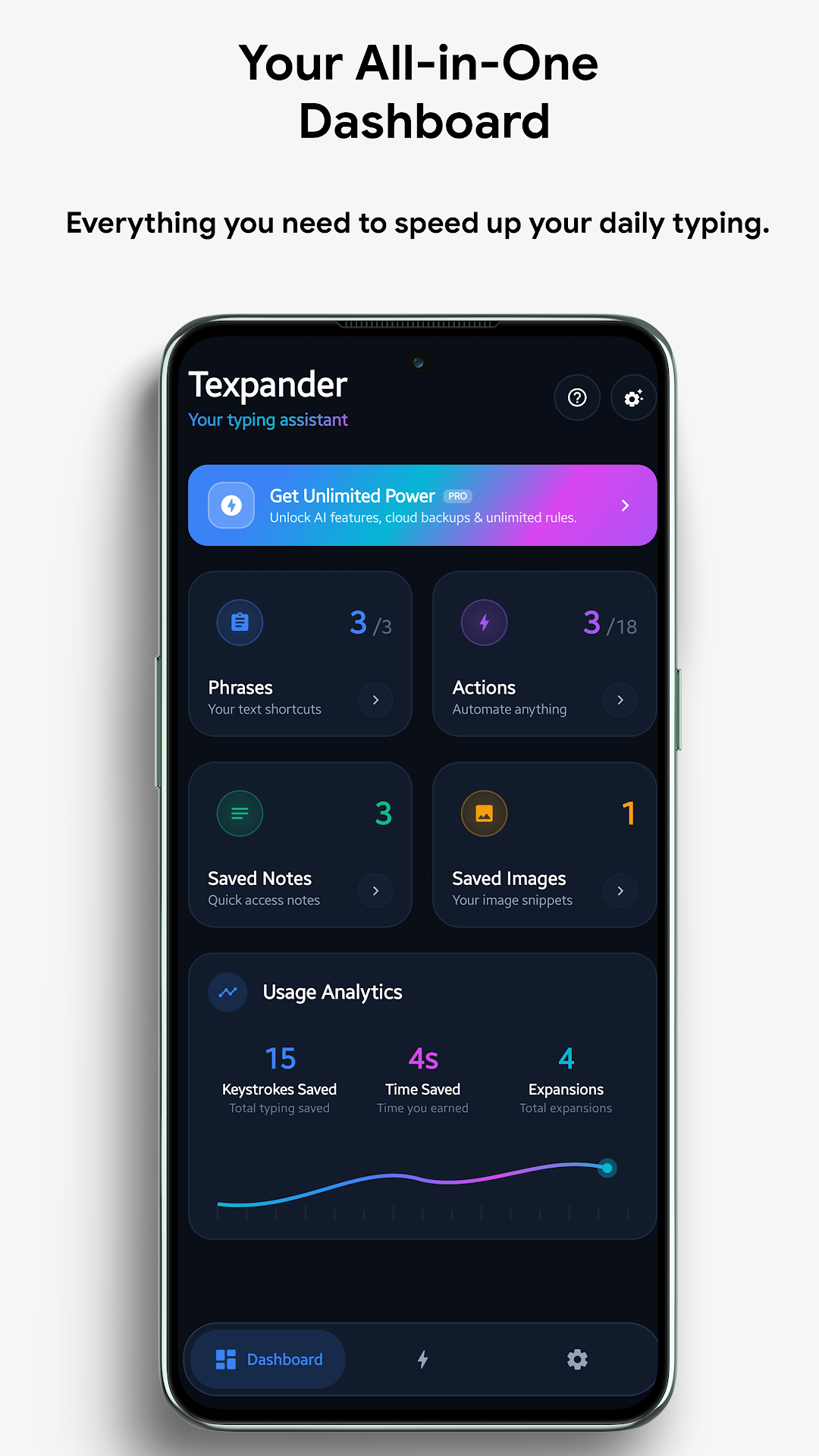
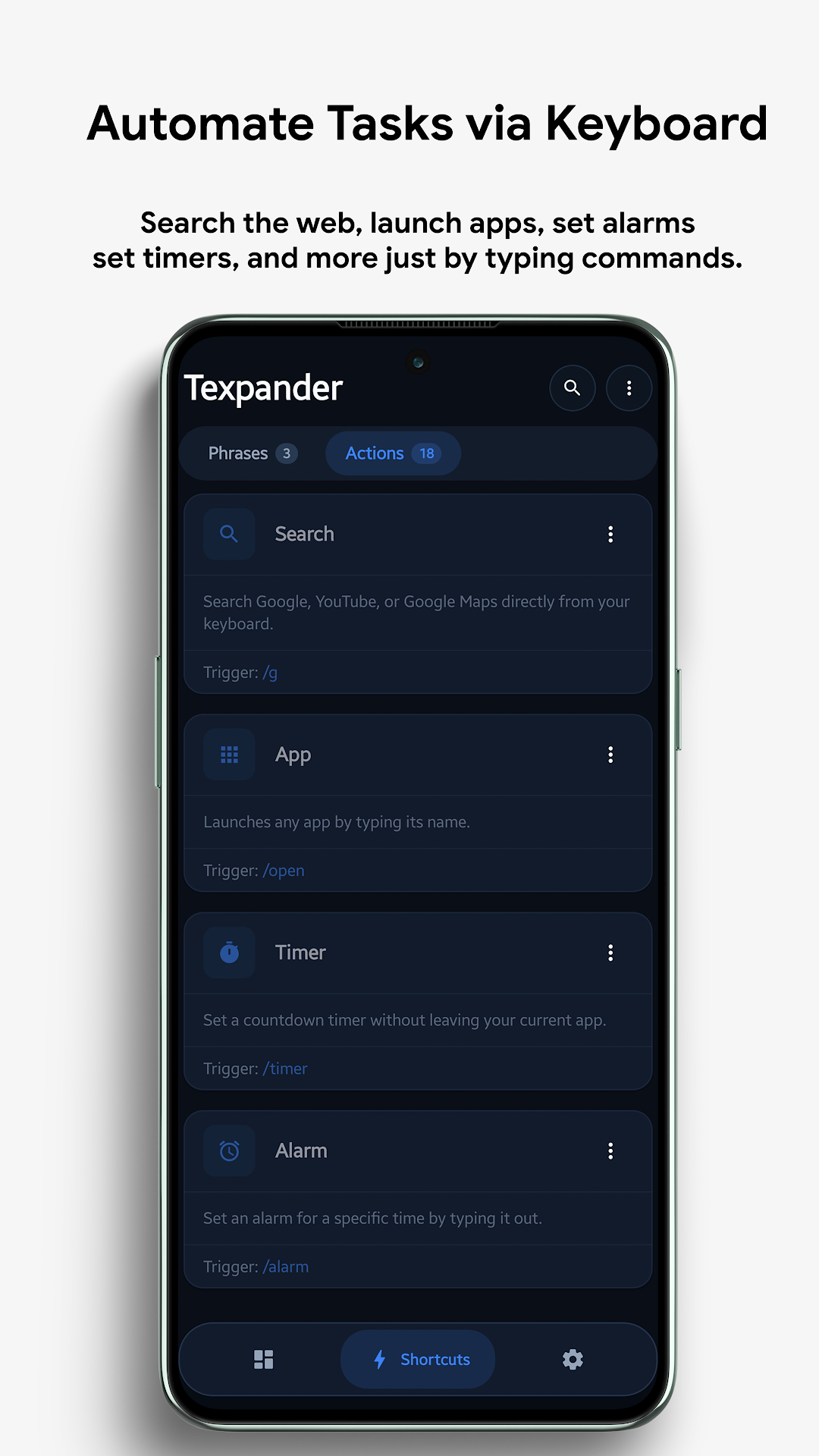
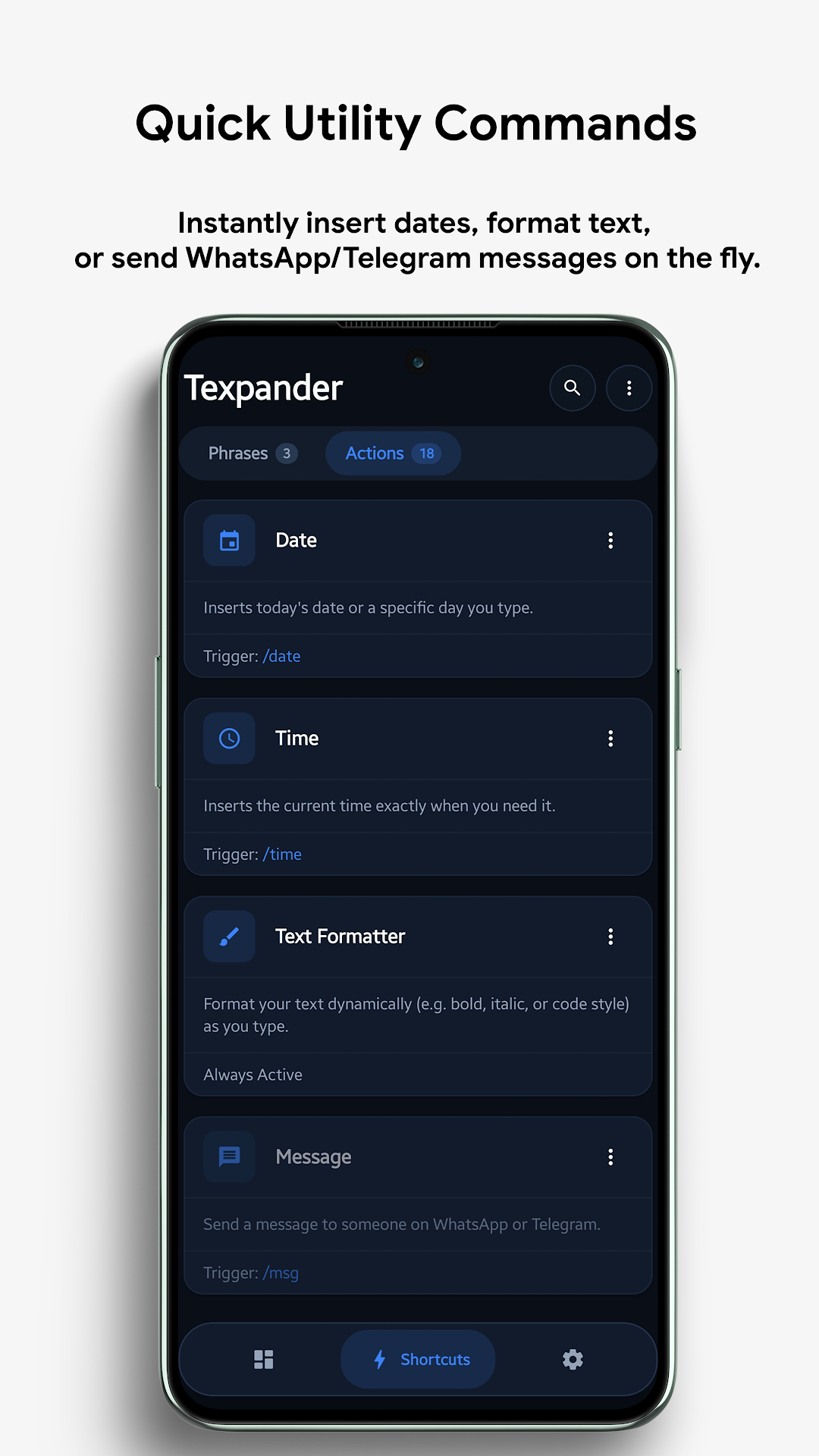
Experience Texpander — inline text expansion, Gemini AI assistance, math calculations, and Google Drive backups.
Engineered for Unmatched Speed & Privacy
Explore the full suite of productivity power tools built into Texpander.
Dynamic Date & Time Injectors
Insert formatted timestamps dynamically using patterns like ISO 8601, slash dates, written month names, and calculate future/past dates with day offsets (e.g. 1d, 7d).
Dynamic Text Formatters
Wrap typed text in formatting triggers to instantly convert into Markdown Bold (*text*), Italic (_text_), Monospace code, Underline (t̲e̲x̲t̲), Strikethrough, UPPERCASE, or bullet lists.
Direct Web Search Shortcuts
Trigger instant web searches on Google, search videos directly on YouTube, lookup locations on Google Maps, or paste formatted search links without opening your browser manually.
Contact Search & Auto-Dial
Search your phone address book inline and paste contact info or trigger an instant direct dial phone call right from your text input field.
Floating Overlay Customization
Configure the suggestion overlay window with custom opacity, auto-hide timeout, minimum character triggers, and pinned quick action toggles.
AMOLED Dark & Material You
Full support for Material 3 dynamic wallpaper theming, true AMOLED deep blacks, and customizable accent color preset packs.
Interactive Syntax & Trigger Guide
Type any of these triggers anywhere on your Android device followed by a double space to execute actions in real time.
Custom Snippet Expansion
Replaces your configured keyword trigger with full text, multi-line templates, or formatted signatures.
/addr -> 742 Evergreen Terrace, Springfield
Gemini AI Query
Sends your prompt to Gemini AI and streams the generated answer directly into your active text box.
/ai explain quantum computing in 1 sentence
Contextual Text Rephraser
Rewrites your typed text into professional, casual, friendly, or bulleted summary formats.
/re thanks for the meeting formal
Inline Math Solver
Evaluates math expressions with support for operators, percentages, parentheses, and decimals.
(450 * 1.14) / 3 = -> 171.00
Live Currency Conversion
Calculates live foreign currency exchange rates for USD, EUR, GBP, JPY, CAD, AUD, SAR, and 150+ currencies.
150 USD = EUR -> 138.45 EUR
Physical Unit Measurements
Converts length, weight, temperature, speed, area, and volume measurements dynamically.
75 kg = lb -> 165.35 lb
18+ Language Translation
Translates text into Spanish (.es), French (.fr), German (.de), Arabic (.ar), Japanese (.ja), Chinese (.zh), etc.
.es Good morning, how are you?
Inline Image Pasting
Inserts saved vault images directly into messaging conversations on WhatsApp, Telegram, and supported apps.
@logo -> Pastes corporate logo png
Text Style Transformation
Converts text into UPPERCASE (,uu), lowercase (,ll), underline (,un), bold (*), or strikethrough.
,uu important notice ,uu -> IMPORTANT NOTICE
Free vs Texpander Pro Lifetime
Texpander is free to download and use. Upgrade to Lifetime Pro with a single one-time purchase to unlock unlimited potential.
| Feature | Free Edition | Texpander Pro (Lifetime) |
|---|---|---|
| Shortcuts Limit | Up to 10 Shortcuts | Unlimited Shortcuts |
| Inline Gemini AI Assistant | ✗ Locked | ✓ Full Unlocked Access |
| Contextual Rephrase Engine | ✗ Locked | ✓ All Tones & Styles |
| 18+ Language Translation | ✗ Locked | ✓ Unlimited Translations |
| Math, Currency & Unit Converters | ✓ Included | ✓ Included |
| Keyword Image Vault | 1 Image Saved | ✓ Unlimited Vault Storage |
| Google Drive Cloud Sync & Auto-Backup | Manual Local Export Only | ✓ Automated WorkManager Sync |
| Custom Action Triggers Editing | Default Triggers Only | ✓ Fully Customizable |
| Themes & Palette Packs | Basic Dark/Light | ✓ Full AMOLED + Material You Pack |
Required Android Permissions & How We Protect Your Data
Texpander is built with an offline-first architecture. We do not operate user servers, sell data, or log keystrokes.
Accessibility Service API
android.permission.BIND_ACCESSIBILITY_SERVICEWhy it is needed: Texpander uses Android's Accessibility Service API strictly to observe active text input fields, recognize your configured abbreviation triggers (e.g. /addr), and perform instant text expansions or inline tool calculations.
Zero Keystroke Logging: No passwords or credit card data monitored • 100% On-Device Processing
Internet Access
android.permission.INTERNETWhy it is needed: Required strictly for making optional AI prompt calls to the Gemini API, fetching live foreign currency exchange rates, and uploading/downloading encrypted backup snapshots to your private Google Drive account.
No third-party ad networks or tracking SDKs included
Notifications
android.permission.POST_NOTIFICATIONSWhy it is needed: Used to show the optional Quick Settings tile status, notify you when automated Google Drive backups complete successfully, or alert you if an action requires permission.
Contacts & Phone (Optional)
READ_CONTACTS / CALL_PHONEWhy it is needed: Only requested if you explicitly create and use Contact Search or Direct Dial shortcut actions. If you do not use contact actions, this permission is never requested.
Technical Specifications
Designed with state-of-the-art Android architecture for fluid 120Hz performance, minimal RAM footprint, and battery efficiency.
Loved by Professionals & Writers
See why developers, writers, and power users rely on Texpander for instant snippet expansion and inline AI intelligence.
Frequently Asked Questions
Find quick answers to common setup questions and troubleshooting.
Android's security model isolates apps from each other. The Accessibility Service API is the only official Android API that allows a utility to detect typed characters across third-party apps, match them against your custom shortcut keywords, and replace them with your expanded text snippets.
Absolutely not. Texpander processes text strictly in temporary memory on your device. It only inspects characters to determine if they match your predefined shortcut triggers. Password input fields (masked fields) are completely ignored by default. We have zero analytics or keystroke logging.
Some custom Android manufacturer skins (like MIUI, HyperOS, One UI, or ColorOS) have aggressive battery optimization task killers that disable background accessibility services. To fix this, grant Texpander Autostart permission and set its Battery Optimization to Unrestricted / No Restrictions in your device settings.
Texpander uses Google's official Drive AppData folder API. Backups are stored in a private, hidden app folder on your personal Google Drive that only your authenticated Google account can access. Texpander automatically keeps the 5 newest backup snapshots.
Texpander operates via the Android Accessibility Service layer, making it compatible with Gboard, Samsung Keyboard, SwiftKey, FlorisBoard, and virtually all third-party Android keyboards.